

Why Zygo?
For Security & IT Teams
Every workflow execution is fully audited. Credentials are encrypted at rest using Fernet symmetric encryption and never exposed in logs or run output. Role-based access control ensures that only authorized users can create, edit, or view workflows and credentials. Webhook endpoints support signature verification and authentication headers for secure integrations.For Engineering Teams
Stop building one-off integration scripts. Zygo provides a visual canvas where you can connect HTTP requests, Python scripts, conditional logic, and data transformations into repeatable workflows. Every execution is logged with full input/output traceability, so debugging is as simple as clicking into a run.For Operations Teams
Replace manual processes with automated workflows triggered by webhooks, form submissions, or schedules. Multi-step web forms collect data from users and feed it directly into your flows. Tickets and dashboards give you visibility into what’s happening across your organization.Core Concepts
Flows
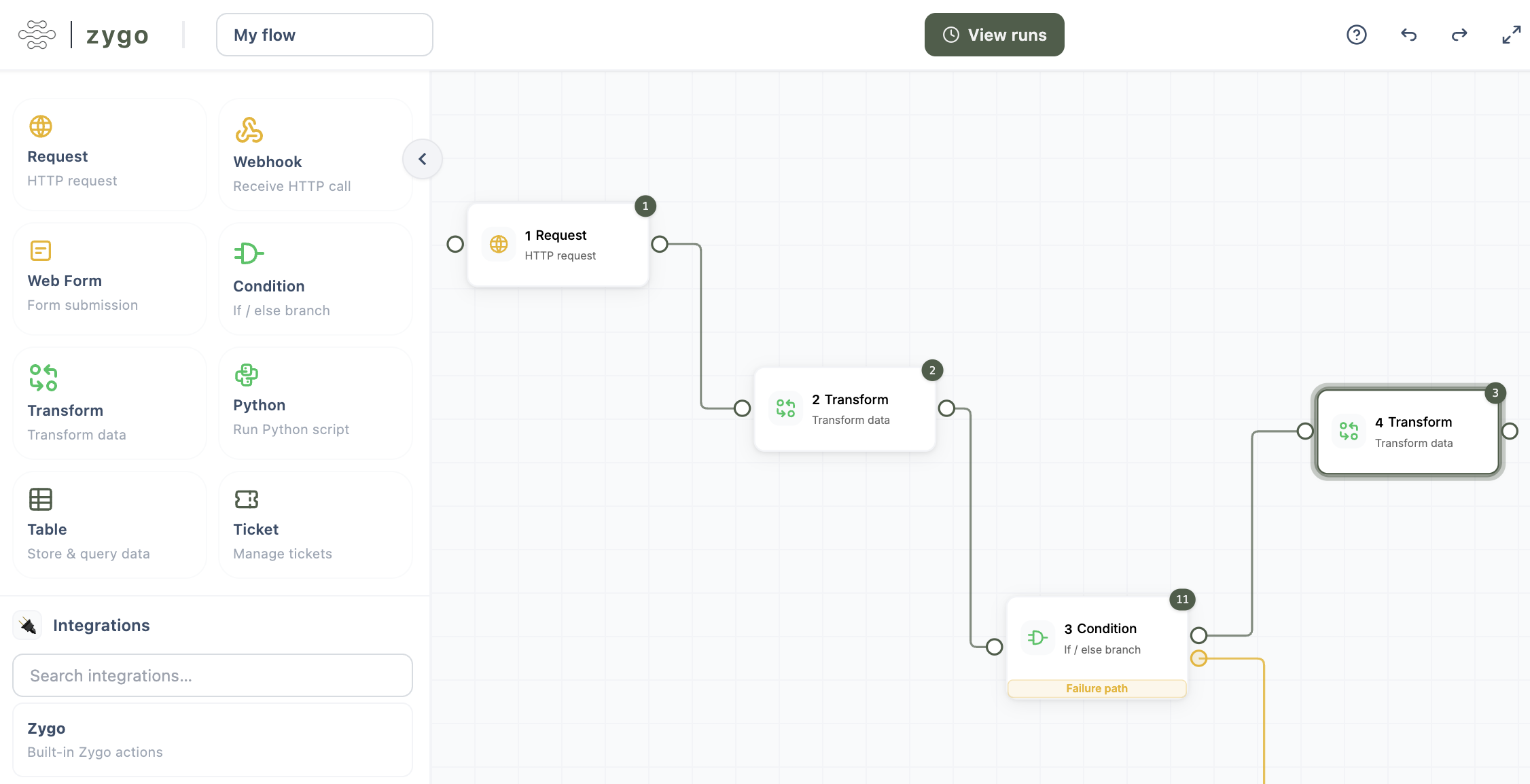
Flows are the heart of Zygo. A flow is a directed graph of nodes connected by edges, built on a visual canvas. Each node performs a specific action — making an HTTP request, evaluating a condition, transforming data, or running a Python script. Nodes execute in sequence, passing data downstream through the graph.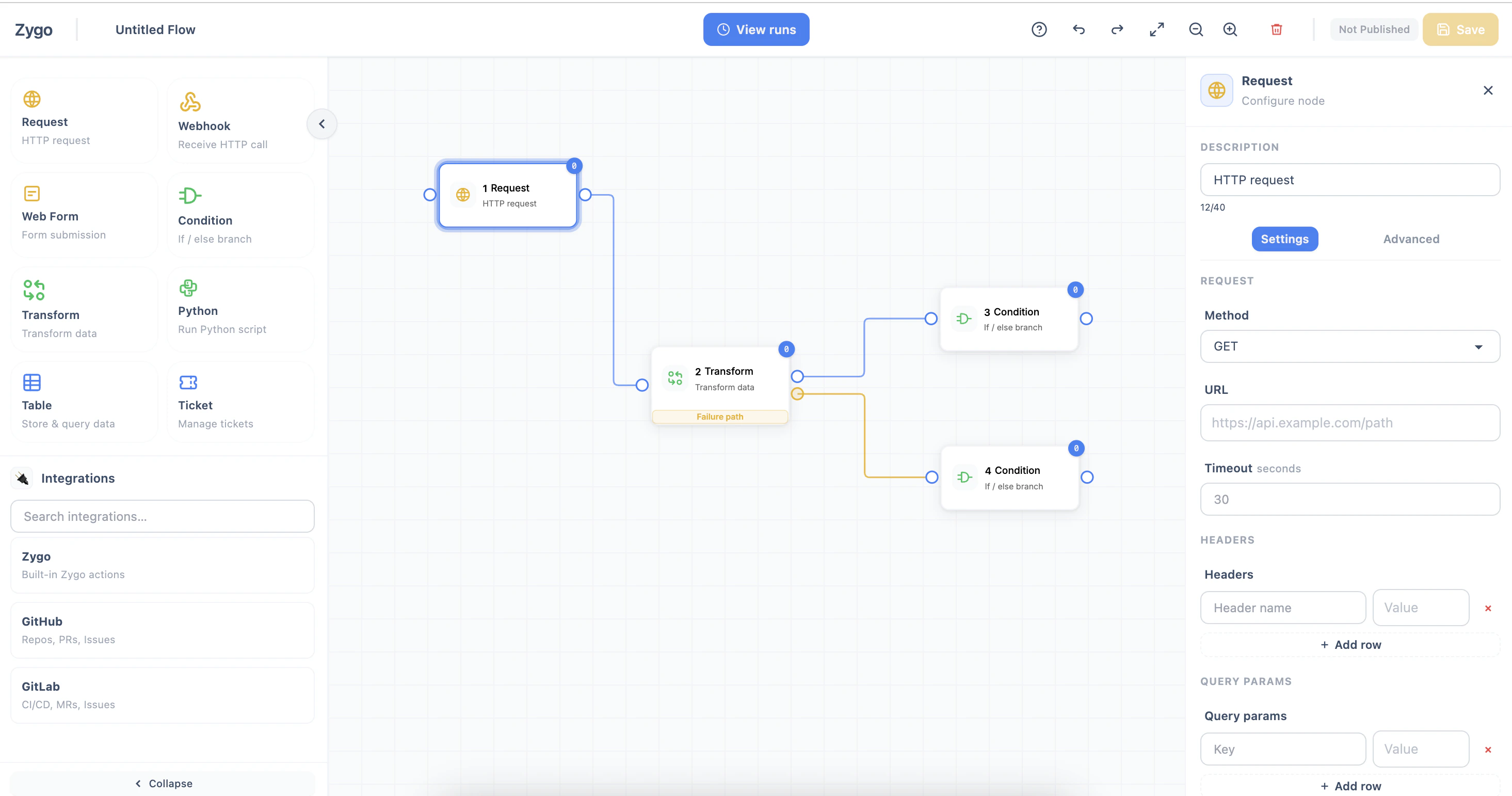
- Visual drag-and-drop canvas with 10+ node types
- Webhook and form triggers with cron scheduling
- Conditional branching, iteration, and error handling
- Full execution history with per-node input/output logging
- Publish control to separate development from production
- Template variables to reference data between nodes using the
{{nodeId_Label.field}}syntax
Tables
Tables provide a simple, built-in data store for your workflows. Use them to persist records created during flow execution, look up reference data, or accumulate results across multiple runs. Each table is a collection of key-value records scoped to your tenant. Tables support insert, get, list, update, and delete operations — all accessible from the Table node in your flows. You can define schemas to structure your data and query records with filters.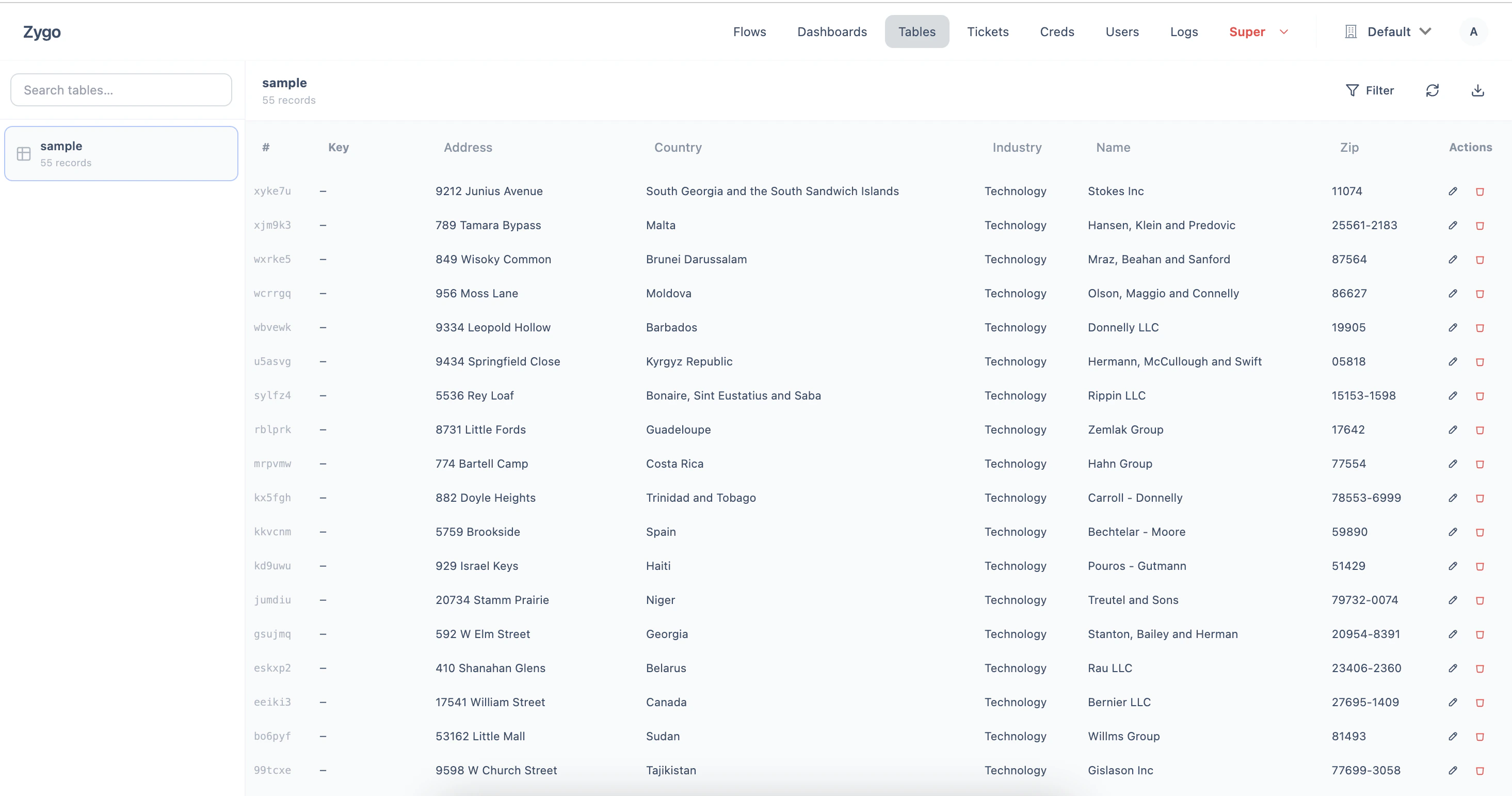
- CRUD operations accessible from any flow
- Key-based record lookup with filtering
- Schema definitions for structured data
- Scoped per tenant for data isolation
Tickets
The ticketing system lets your flows create, update, and manage tasks automatically. When a flow detects an issue, processes a request, or completes a task, it can create a ticket with a title, status, priority, assignee, tags, and rich content blocks. Tickets can also be managed manually through the tickets interface, making it a lightweight task tracker that bridges automated workflows and human action.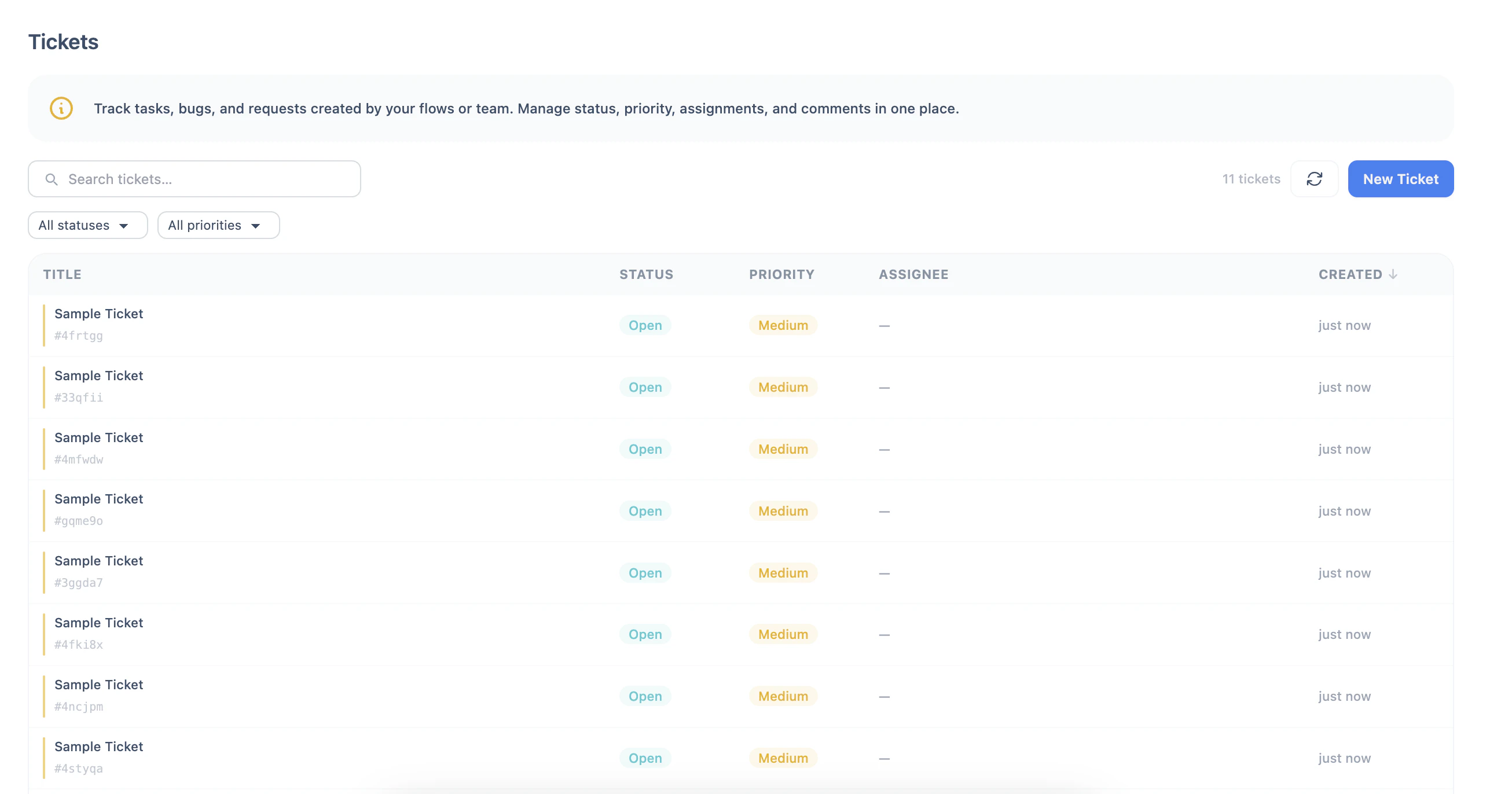
- Create and update tickets from flows automatically
- Status, priority, and assignee management
- Tags and custom metadata fields
- Rich content blocks (paragraphs, headers, code, checklists)
- Comment threads for collaboration
Dashboards
Dashboards provide a customizable view of your data. Build dashboards with widgets to monitor key metrics, visualize trends, and keep track of important information at a glance. Each dashboard is scoped to your tenant and can be configured with the widgets that matter most to your team.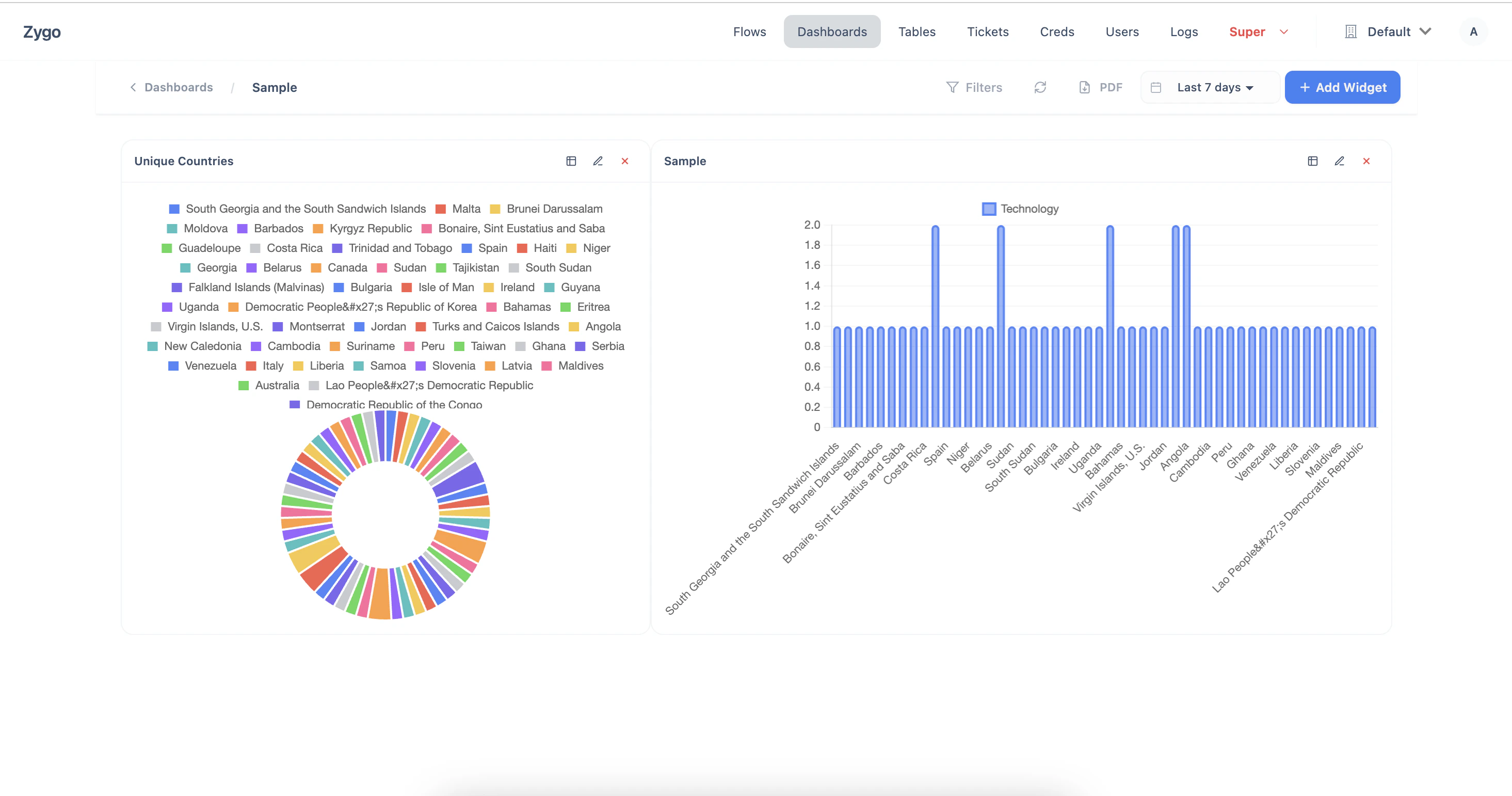
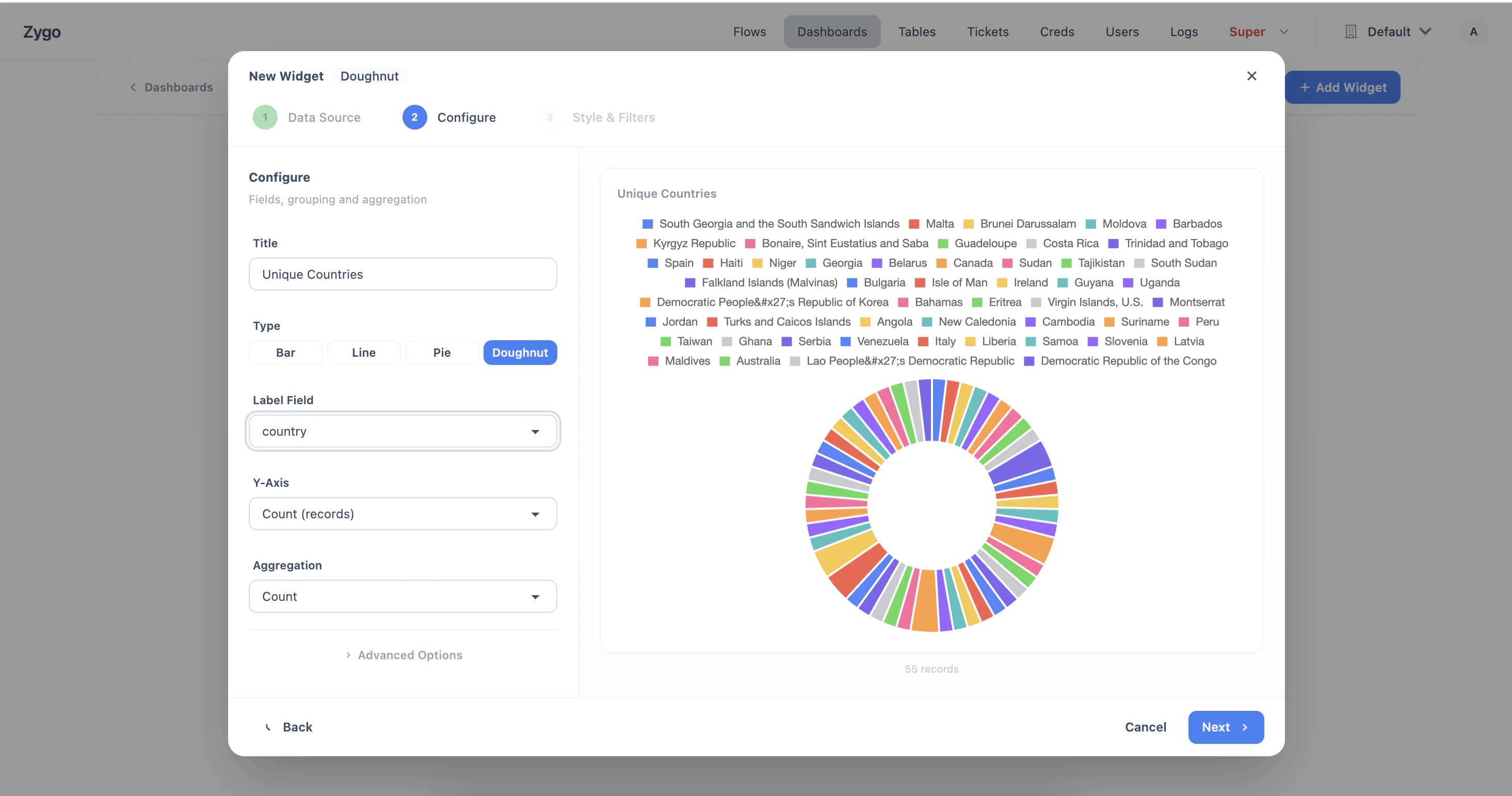
- Custom widget-based layouts
- Real-time data visualization
- Multiple dashboards per tenant
- Accessible to all tenant members
Credentials
Credentials store sensitive authentication data — API keys, tokens, passwords — encrypted at rest. Create a credential once, then reference it anywhere in your flows using the{{cred.<name>.<field>}} syntax. This keeps secrets out of your flow configurations and centralizes credential management.
Each credential has a unique name within your tenant, optional integration label for organization, and one or more encrypted fields. Credentials are accessible to all editors in the tenant.
Key features:
- Fernet-encrypted storage for all credential fields
- Reference in any flow config field via
{{cred.<name>.<field>}} - Masked display — values are never shown in plain text in the UI
- Centralized management across all flows
- Scoped per tenant with role-based access
Users & Tenants
Zygo is multi-tenant. Each tenant is an isolated workspace with its own flows, tables, tickets, dashboards, credentials, and members. Users can belong to multiple tenants, each with different roles. Roles control what users can do within a tenant:- User — can only respond to forms within flows (can not access flows, tickets, dashboards, creds, etc)
- Viewer — can view flows, runs, tables, tickets, and dashboards
- Editor — can create and modify flows, credentials, tables, and tickets
- Admin — can manage tenant members, roles, and settings
- Multi-tenant isolation
- Role-based access control (user, viewer, editor, admin)
- Email invitations with magic link support
- Google and Microsoft OAuth integration
- Per-tenant approved domain restrictions
Logs
Every significant action in Zygo is logged. The audit log captures API calls, system events, user actions, and flow executions with timestamps, user attribution, and success/failure status. Logs can be filtered by level (debug, info, warning, error, critical), action type, user, tenant, and time span. Flow execution logs provide granular detail — every node’s input and output is recorded, along with timing, iteration paths, and error tracebacks. This makes debugging failed flows straightforward: click into a run, select the failed node, and inspect exactly what data it received and what went wrong. Key features:- Tenant-scoped audit trail for all actions
- Flow execution logs with per-node input/output
- Filterable by level, action, user, and time range
- System-level logs for platform operations
- Structured metadata for programmatic access